Setting up your User
Setting up a password
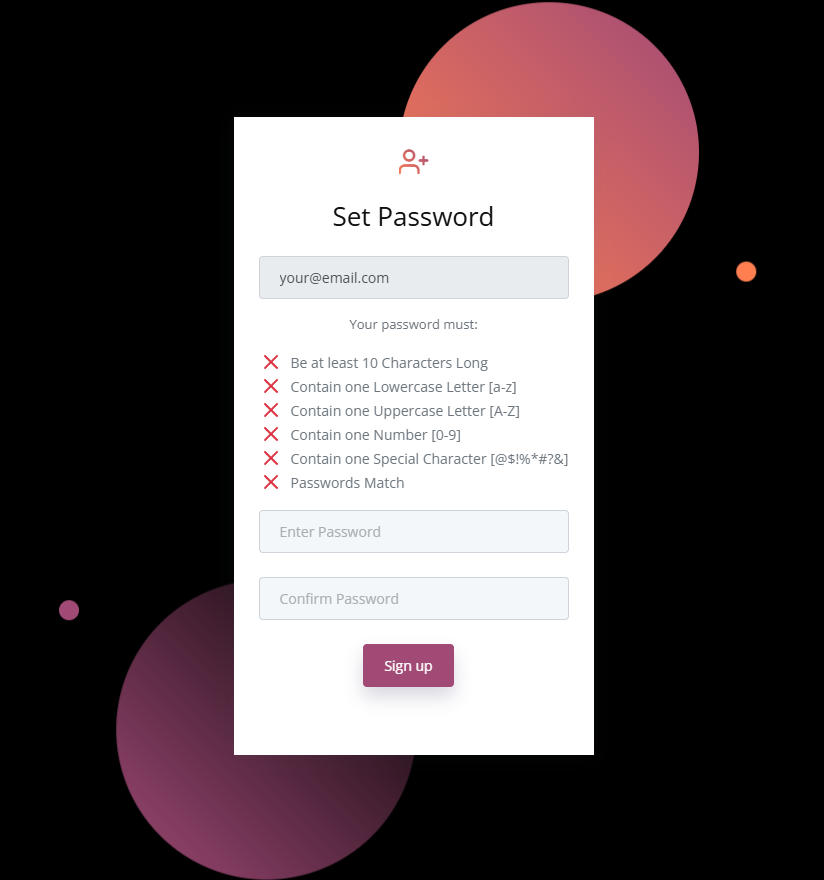
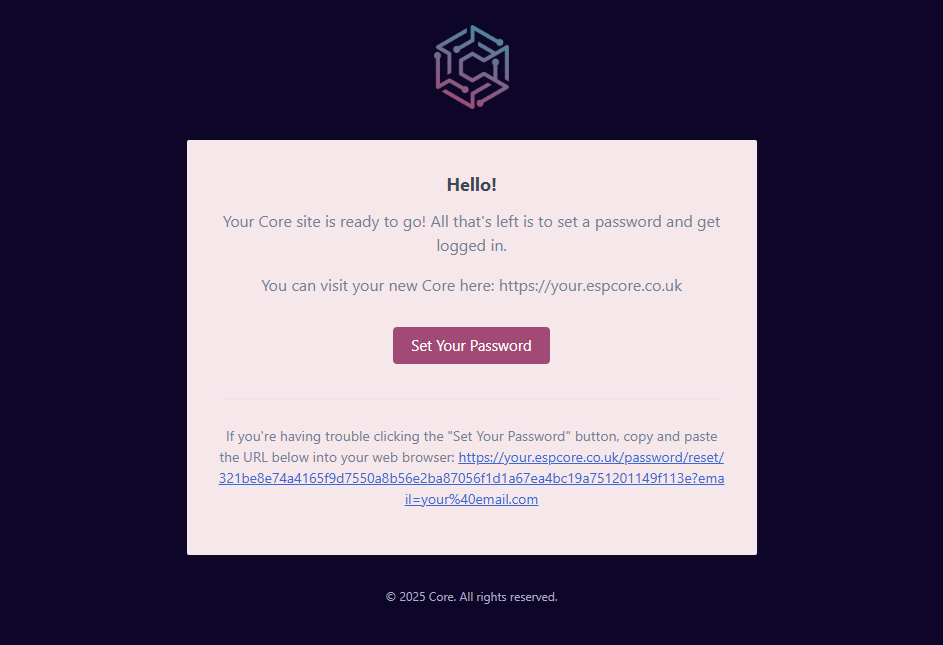
Once your site has been prepared you will get an email sent straight out to you. On that email there should be an option to "Set Your Password" If you click on that button it will take you to the login page of your site. Here you can set your new password! Once set it should log you straight in!
Password Rules
When setting your password on Core, it will need to meet the password requirements. The password requirements are as follows:
- Must be 10 characters long
- Must contain one Uppercase letter
- Must contain one Number
- Must contain one Special character
These rules can be seen on the set/reset password page.