The Layout Builder
Along with creating Content Types and Content Fields, the Layout Builder is a way to customise how fields should be displayed within a view. This builder gives you several settings which can format fields, group fields into columns and other settings which allow you to customise your instance of Core.
Features
Drag and Drop
The main features of the Layout Builder is that it is a drag and drop interface. Meaning if you want to change the order of the items on the layout all you need to do is click and drag the item you want to move and it will move to the position dragged to.
Resizing
As well as dragging the items around, you can resize the items on the page by hovering over the item and clicking and dragging the double arrow on the bottom right of the item.
Settings
On the Layout Builder, the old menu has been replaced with a new menu
containing settings for different elements of the Layout Builder. If no
item has been selected, it will show the settings for the overall layout. But
if you click on an element on the layout, it will be highlighted by a black
border around the item. Once this has been selected, the Settings menu will now
show the settings for the item selected.
Adding Fields
If a field you want to display isn't on the Layout, you can add the field by
using the 'Add Field' section. At the bottom of the Settings menu, there will
be a drop down field of all the available fields from the Content Type. Some of
these fields will be greyed out as they are fields which already are on the
layout. After selecting the field in the drop down that you want to add,
click the Add button beneath and the drop down will add this to the bottom
of the layout.
Note
If you have a column selected, the field will be added to the bottom of the selected column
Editing Layouts
The Layout Builder consists of several different layout options:
To access the layout builder, click the edit button on the content type you are wanting to edit from the content type list view.
Once loaded you should see a layouts section at the bottom of the page.
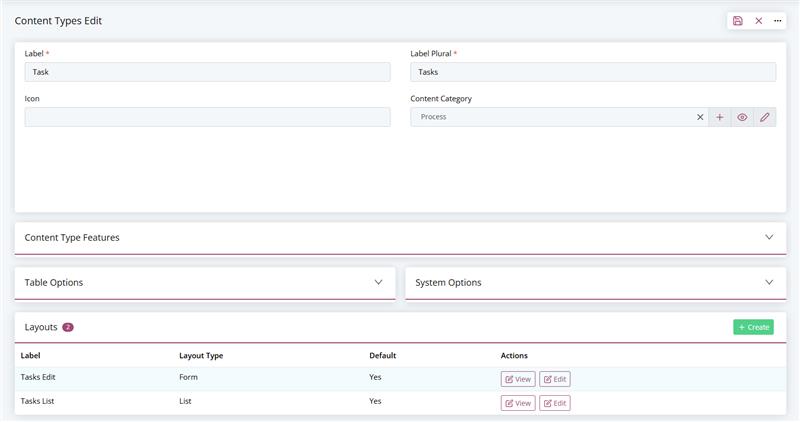
To create a new layout within the content type, simply click the create button on the right hand side of the screen.
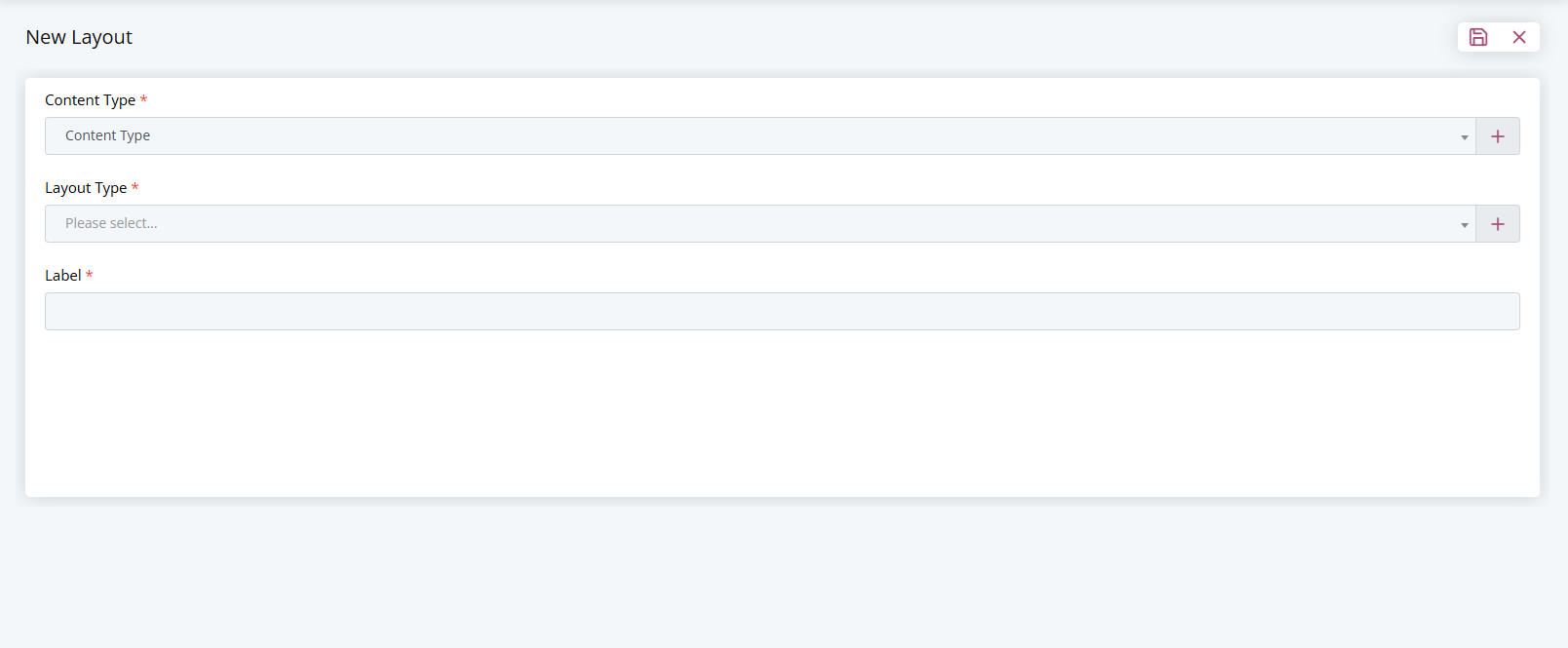
Once loaded you can select your layout option from the dropdown box.