Process Builder
Introduction to the Process Builder
The Process Builder allows you to build your own workflows into Core making processing information much more efficient. The process builder comes with so many useful options that allow you to customise your process and create a structure that suits you and your business!
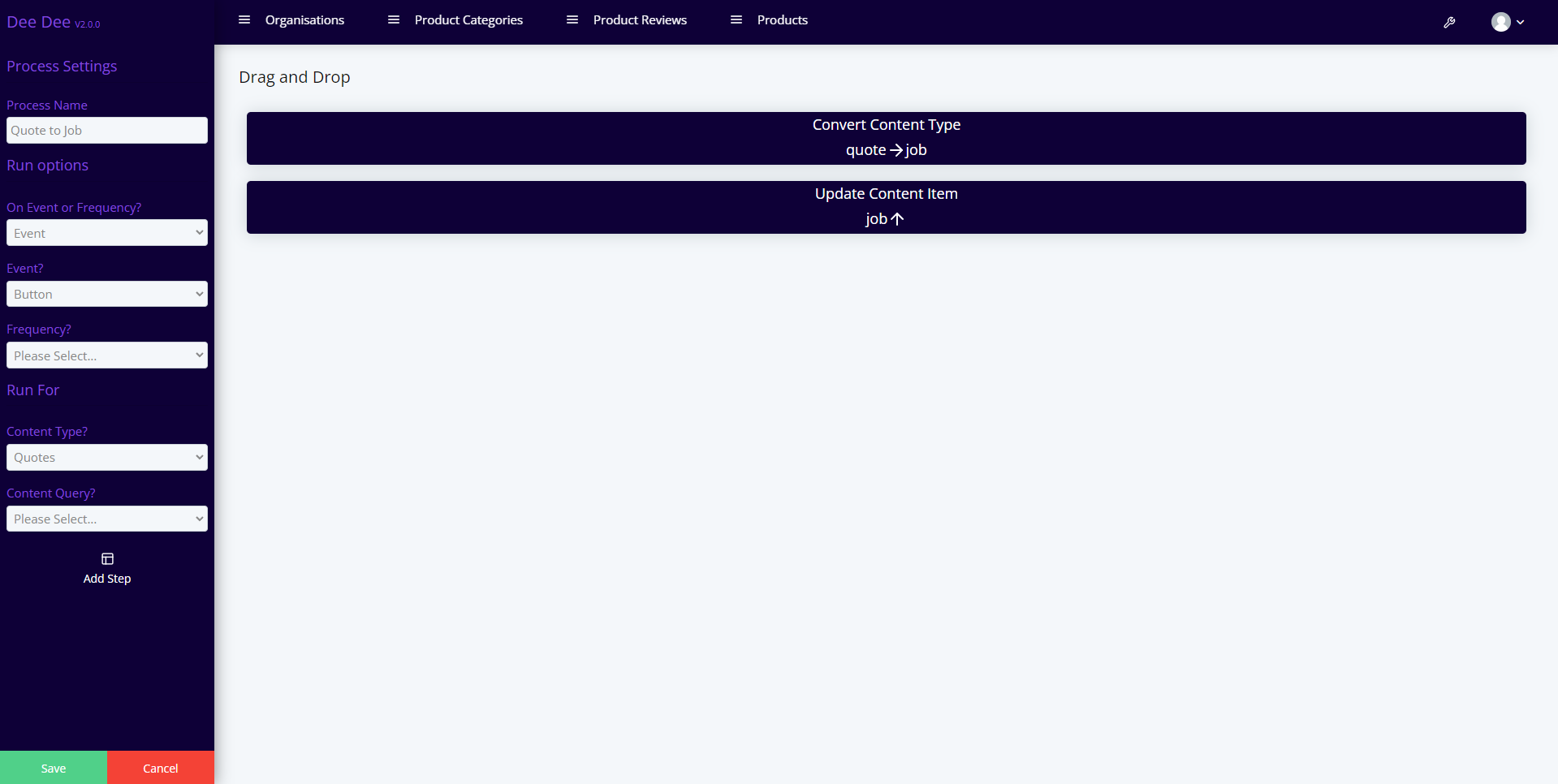
Events, Frequencies & Content Queries
Processes work off the back of Frequencies and events. So if you would like your process to run every morning at 9am you can select a frequency. Or if you would like to trigger a process manually by clicking a button or updating an instance you can select the event that you prefer.
The process builder also includes an option to use content queries so if you would like to add extra conditions to your process you can add in a content query!
Within the Process builder there are 4 main options. Convert Content Type, Update Content Item, Push to Microsoft Office and Update Mailchimp.
Convert Content Type
Using the process builder you can convert one instance into another, so for example with a simple push of a button you can convert a quote into an order, pulling through all the related information that you require e.g. client information etc. You can also convert child content types at the same time as the parent if necessary.
Update Content Item
The Update Content Item option allows you to update whatever fields you would like, so for example if you push a button all the instances that meet a certain requirement could update a date and/or checkbox. This allows you to update multiple forms without having to do them one at a time!
Push to Microsoft
The Push to Microsoft option allows you to push certain instances into your Microsoft Calendar!
Update Mailchimp
The Update Mailchimp option allows you to update Mailchimp from within Core. So if you have a list of email addresses in Core you can easily add them to an audience in Mailchimp or set/ remove Tags.
If you would like to see an example of some processes being made for each of the above options.