'Security' Section
In the Security section you will find options to set up your security for when users sign in.
You will see settings related to Active Directory authentications and also 2-factor Authentication settings.
If you would like to change the colors of your site, simply click on the spanner icon on the top bar of the interface, next to your user icon.

Once loaded click on the Security option on the menu on the left.
Now you can use the checkboxes to set your permissions as required.
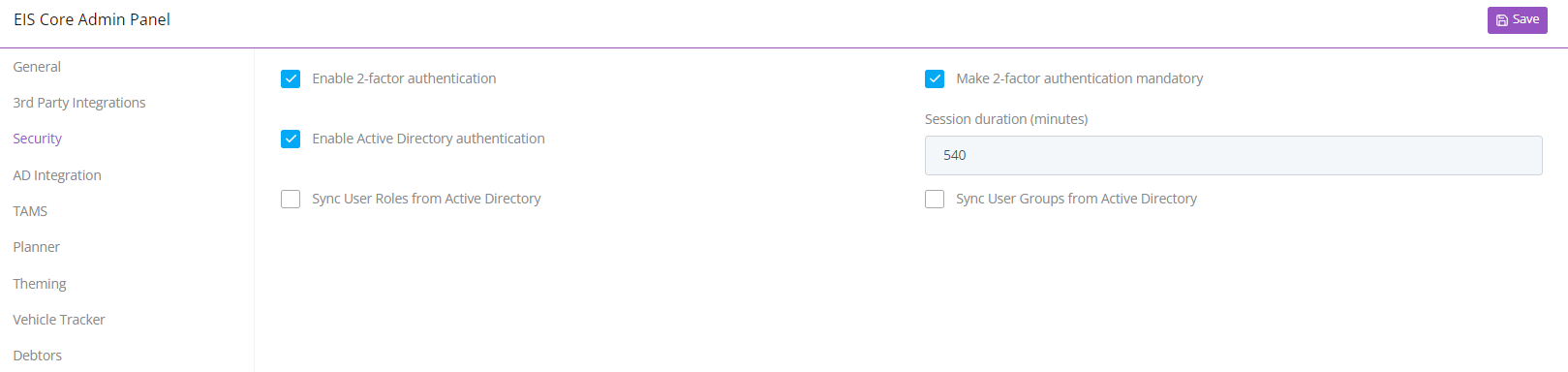
Once you are happy with the settings, click on the save icon at the top of the page.