'AD Integration' Section
The AD Integration section is where you can set up the settings so that your interface can connect to your Active Directory meaning employees on the active directory can log into the interface.
If you would like to amend your AD Integration settings, simply click on the spanner icon at the top of the page.

Once loaded click on the AD Integration option on the left side menu.
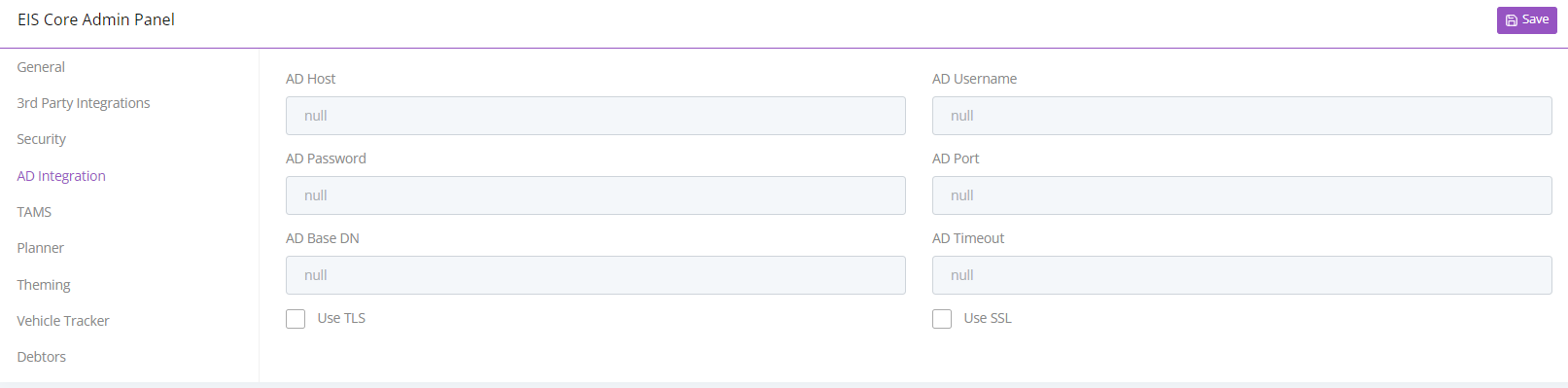
Once selected you can input your AD connection details. Once you are happy with the information inputted, use the save icon at the top of the page. Once saved your active director settings will be set up!