'Theming' Section
The Theming Section is where you can change the colors of your interface. This to allow you to design the interface so that it matches your logo and business colors.
If you would like to change the colors of your site, simply click on the spanner icon on the top bar of the interface, next to your user icon.

Once loaded click on the Theming option on the menu on the left side.
Now you can click into each section and use the colour picker to set the colours to match your theme.
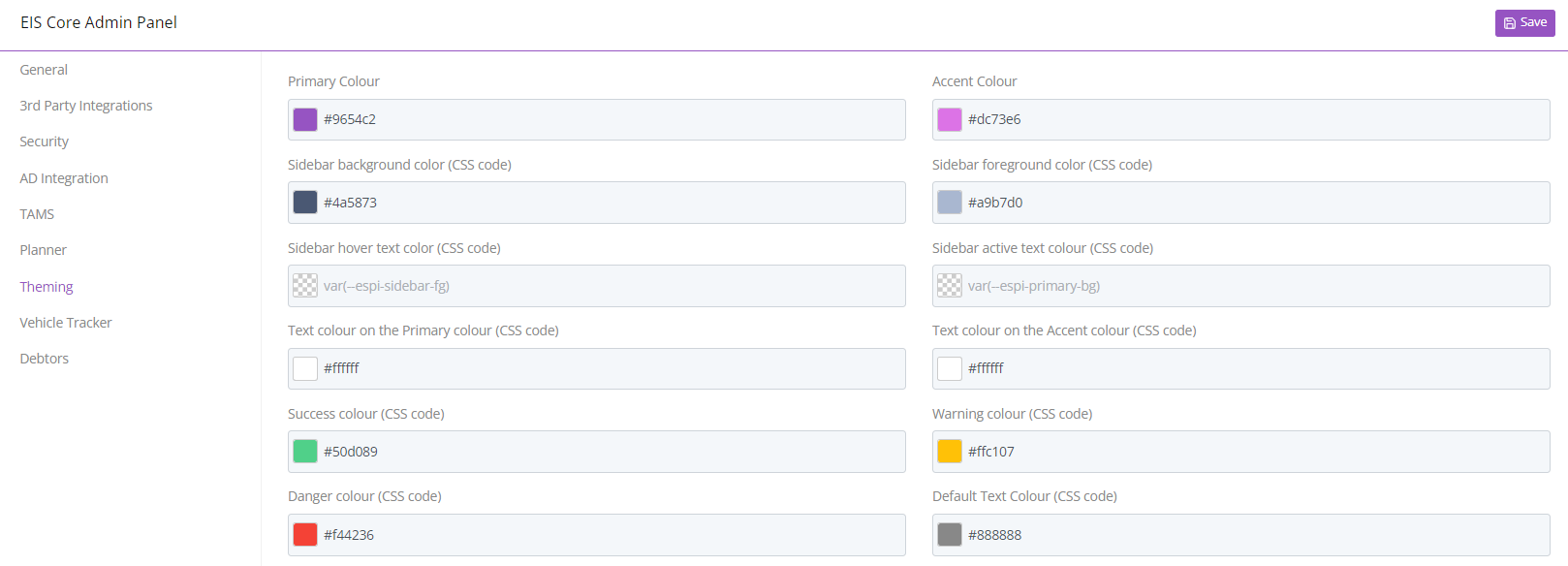
As soon as you have clicked save your interface should show the new colors you have chosen.