Invoices
Viewing Invoices
Once we click the "Job to Invoice" button we'll be once again redirected to a new form. This time it will be the invoice form and it looks like this:
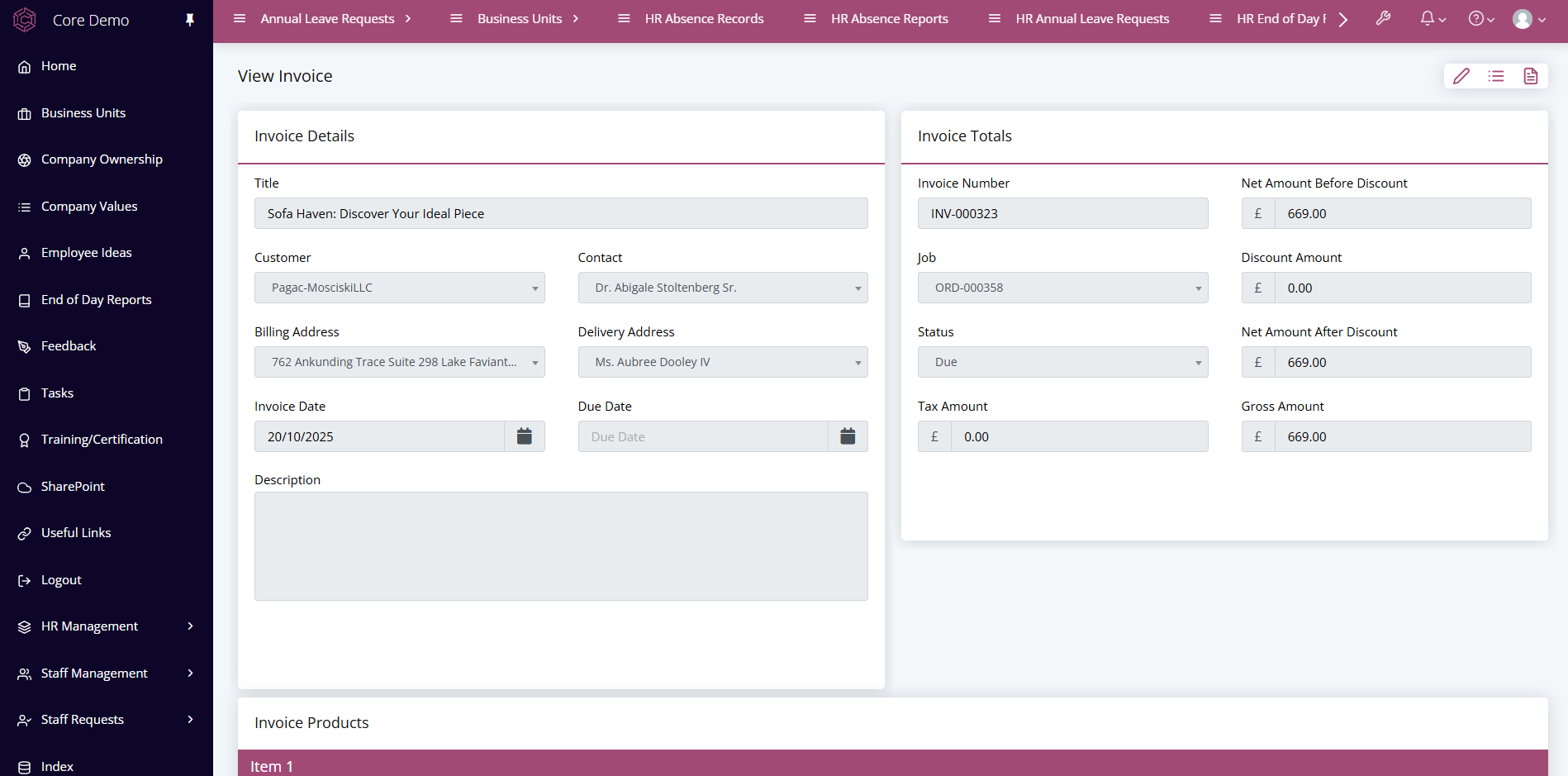
Now it's up to the client to pay the invoice before the due date. Another status indicator is on the form that can be updated accordingly.
Once the invoice has been paid it can be set to "paid" and now the entire transaction is complete! The entire process has been well documented and organised which means if an issues arise they can be dealt with swiftly and legitimately.